


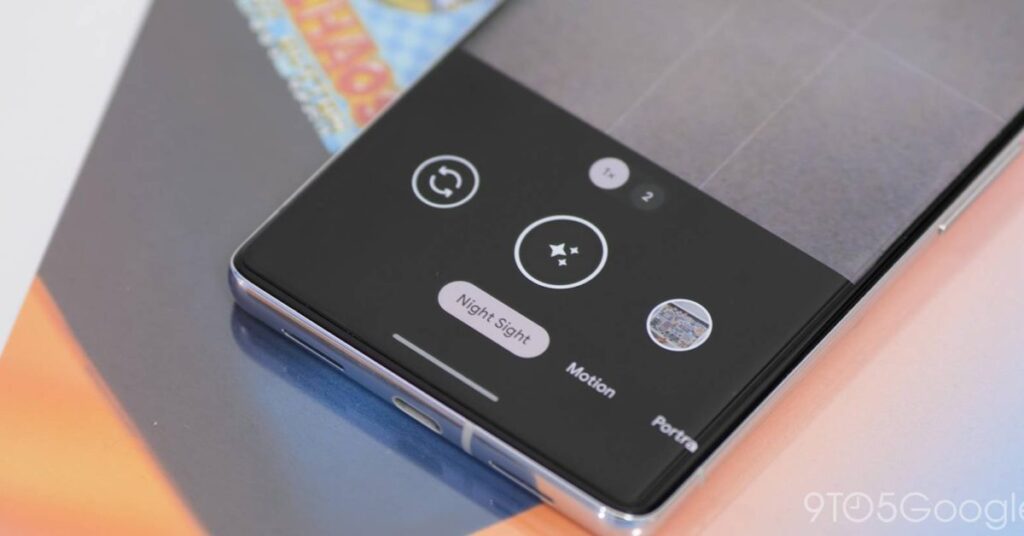
For photography enthusiasts, capturing the elusive splendor of the Northern Lights is a bucket-list aspiration. With advancements in mobile camera technology, particularly on Android devices and Google Pixel, this once elusive task is now more accessible than ever. Harnessing the power of Night Sight and highly sensitive camera sensors allows aspiring photographers to capture stunning auroral displays directly from their smartphones.
Understanding the Basics of Auroral Photography
The Northern Lights, or aurora borealis, provide one of the most stunning natural light shows on Earth. To photograph these dynamic displays effectively, it’s crucial to comprehend a few essential concepts and prepare accordingly. The auroras are best viewed in regions close to the Arctic Circle and are often visible during winter months when the skies are darker and clearer.
One of the key elements in achieving a successful photograph is selecting an appropriate location. Opt for areas with minimal light pollution to enhance your view of the skies. A stable and adjustable tripod is almost essential, as it ensures the smartphone remains immobile during longer exposure times required to capture the low-light phenomenon.
Maximizing Your Android Device’s Potential
Modern Android smartphones boast impressive camera technologies, especially on devices like the Google Pixel. Leveraging features such as Night Sight can significantly enhance the quality of your aurora photography. Ensure your smartphone is running the latest software to access all current features and enhancements.
Configurations and Settings
- Manual Mode: Engage manual camera settings if available. Adjust the ISO, shutter speed, and focus to optimize light intake and sharpness.
- ISO Settings: Choose a higher ISO setting to capture more light, typically ranging between 800 and 1600, depending on ambient conditions.
- Shutter Speed: Set a longer exposure time, typically between 10-20 seconds, to allow more light to hit the sensor.
- Focus: Use manual focus set to infinity or seek sharpness adjustments to ensure the aurora appears clearly against the night sky.
Google Pixel’s software optimizations provide an edge with Night Sight and astrophotography modes, automatically adjusting to these conditions to better capture low-light imagery. Experimenting with different settings will further improve your proficiency in snapping awe-inspiring shots of the aurora.
Practical Tips for Shooting the Northern Lights
Mastering the art of aurora photography involves practice and patience. Aside from technical tweaks, the real-world application of some practical tips enhances the experience and output. Firstly, dress warmly and prepare for extended periods spent outdoors. Cold weather can affect both the photographer and the device’s battery life; keeping your phone warm when not in use helps preserve battery levels.
Timing is also critical; check aurora forecasts and apps to plan for the peak periods of activity. These forecasts provide insights into the best times and potential strength of the auroral visibility, maximizing your chances of capturing a vibrant display.
Composition Techniques
- Foreground Interest: Include elements in the foreground, such as trees or mountains, to add depth and context to your photograph.
- Rule of Thirds: Utilize this classic guideline to compose a well-balanced and harmonious image.
- Panoramic Shots: Consider capturing a series of images that can be stitched together for a panoramic view, showcasing the expanse of the Northern Lights across the night sky.
Finally, take multiple shots and use image stacking techniques during post-processing for cleaner and sharper images. Software like Google Photos can assist in refining captured shots to highlight the vibrant colors and intricate patterns of the Northern Lights, enhancing the final output.
Capturing the Northern Lights with your Android device, particularly with Google Pixel’s advanced features, merges the art of photography with cutting-edge technology. By mastering manual configurations, embracing environmental conditions, and applying composition techniques, anyone with a passion for celestial photographs can immortalize the beauty of these mesmerizing light displays.
, image: https://9to5google.com/2026/01/19/how-to-take-pictures-northern-lights-android-google-pixel/