


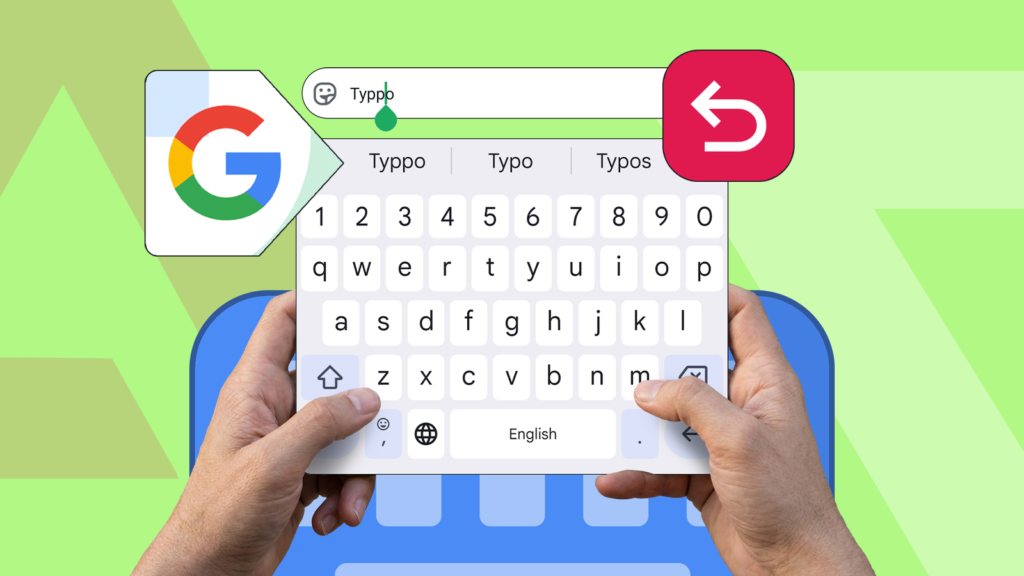
In the ever-evolving world of smartphones, efficiency and ease of use are paramount, especially when it comes to typing long texts. With countless messages being typed out daily, users often find themselves frustrated by the errors that inevitably creep into their hurried, thumbs-over-key-mesh routine. However, Android users may have a hidden ally in their typing toolkit: the Gboard keyboard, which features an underrated function that could revolutionize their typing experience.
The Overlooked Gem in Gboard
While many Android users are familiar with Gboard’s predictive text and swipe typing features, there is a lesser-known functionality that directly addresses one of the most common typing complaints: a reliable text editing tool. This feature allows users to precisely move the cursor to the desired spot within their text, avoiding the cumbersome finger-to-screen dance often required for text correction.
Gboard’s text editing feature uses a specific set of intuitive controls to facilitate this process. By pressing and holding the spacebar, users can activate the cursor control, allowing for smooth navigation across the text without lifting a finger from the keyboard. This capability not only enhances accuracy but also significantly speeds up the editing process, turning what was once a mundane task into a streamlined experience.
A Smooth Typing Experience
The ability to seamlessly edit messages is crucial in a fast-paced digital age. For instance, typing a lengthy email or a detailed social media post often requires nimble navigation through the text for quick corrections and adjustments. The Gboard’s enhancement makes it easier to handle these tasks with precision, contributing to a more efficient communication process.
Beyond merely correcting typos, this feature empowers users to edit their sentences for clarity and impact. Whether users want to insert additional information or simply alter word choice to better convey their thoughts, having a flexible cursor movement option at their fingertips brings a new level of flexibility to mobile typing.
How to Enhance Your Typing Accuracy
- Activate Gboard: Ensure that Gboard is set as the default keyboard on your device for optimal functionality.
- Utilize the Spacebar: Long-press the spacebar to engage the cursor control feature, allowing for precise navigation across text lines.
- Explore Additional Gboard Features: Familiarize yourself with Gboard’s rich repertoire of tools, from voice typing to emoji creation, that will bolster your typing effectiveness.
Expanding the Mobile Communication Horizon
Gboard’s commitment to enhancing user experience doesn’t stop at the spacebar cursor control. The keyboard app is regularly updated with new functions and tools aimed at improving the user’s typing efficiency. Features like gesture typing, voice input, and even integrated language translation serve to make Gboard a comprehensive solution for diverse typing needs.
These capabilities ensure that Gboard remains a powerful contender in the competitive smartphone ecosystem. By continuously incorporating user feedback and integrating advanced technologies, Gboard not only matches but often exceeds the offerings of other third-party keyboards available on the market today.
In exploring these functionalities, users quickly realize the potential of Gboard to transform their mundane texting tasks into enjoyable and error-free experiences. Whether via email, messaging apps, or social media, the keyboard’s enhancements cater to both casual typists and heavy users who rely on their mobile devices for daily communication.
With so much emphasis being placed on seamless communication and the minimization of typing errors, it’s no surprise that Gboard’s features have captured the attention of Android aficionados worldwide. For those searching for an effective solution to one of the most common frustrations faced by smartphone users, this underrated feature is undoubtedly a game-changer.
, image: https://www.androidpolice.com/underrated-gboard-feature-fixed-biggest-typing-fear-on-android/