


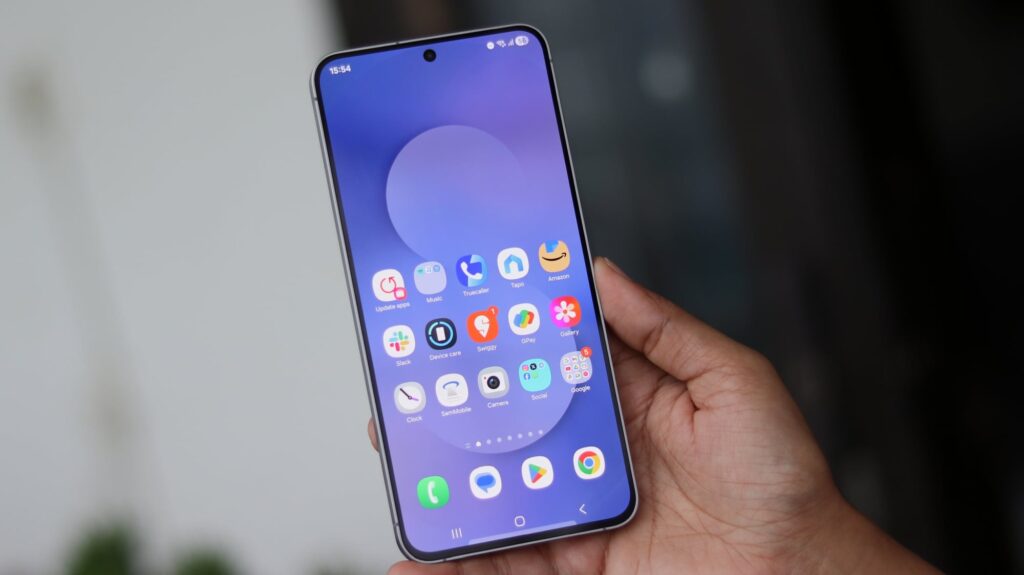
Samsung enthusiasts are in for an exciting update as the LockStar application receives a fresh set of enhancements with the release of One UI 8.5. In a bid to amplify user experience, Samsung has rolled out new dynamic screen effects that promise to enliven the unlocking process of devices, adding a spark of animation to everyday tech interactions.
Innovative Screen Unlock Features
The LockStar module, available through Samsung’s Good Lock app, now boasts an array of animation effects set to transform how users unlock their screens. These enhancements come with the most recent update, pushing LockStar to version 6.5.03 and seamlessly integrating these new features with One UI 6.0 and beyond.
The update includes dynamic animations that activate when a user unlocks their device. These animations aim to provide a more visually appealing and interactive experience, enriching the habitual smartphone interaction by introducing creativity into the simple act of unlocking.
Customization at Its Core
A hallmark of Samsung’s One UI has always been its emphasis on customization, and the LockStar update is no exception. Users can now choose from a variety of animation styles to match their personal aesthetic. This level of customization ensures that each user can have a unique experience tailored to their preferences, reinforcing Samsung’s commitment to personalization.
How to Access the New Features
- Ensure your device is updated to One UI 6.0 or higher.
- Download or update the Good Lock app from the Galaxy Store.
- Select the LockStar module within Good Lock.
- Explore and activate the new animation effects for the unlock screen.
These steps empower users to easily transition into a more engaging and personalized smartphone environment, highlighting Samsung’s initiative to leverage software updates for enhanced user interaction.
The Evolution of One UI
Since its inception, Samsung’s One UI has undergone significant transformations. What began as a straightforward interface has developed into a robust ecosystem filled with customizable features that cater to users’ desires for a personalized experience. Each update retains the simplicity and functionality that One UI is known for, while incrementally offering new features that keep the interface fresh and captivating.
The update to LockStar with One UI 8.5 is just one of many ways Samsung continues to refine its user experience. By offering users the possibility to tailor their device interactions, Samsung showcases a keen awareness of consumer desires and the importance of technology in everyday life.
Moreover, these animations are designed with performance in mind, ensuring that enhancements to visual appeal do not come at the cost of device efficiency. Samsung successfully manages to provide additional layers of aesthetic delight without compromising the speed and responsiveness users have come to expect.
Impact on the Samsung Ecosystem
This update signifies yet another step forward in Samsung’s commitment to an integrated and immersive user experience. By continuously bringing innovative software updates to their lineup of devices, Samsung reinforces the value proposition of their ecosystem, keeping it synchronized, interconnected, and above all, user-focused.
Furthermore, these updates offer insight into Samsung’s broader strategic direction—melding technology with art to enhance everyday life. It’s a clear indication of how the brand is making efforts to differentiate itself through thoughtful design and groundbreaking software capabilities.
Whether you are a long-time Samsung user or new to the ecosystem, the recent updates to LockStar within One UI 8.5 offer a refreshing change that encourages exploration and personalization. This movement towards enhancing the fluidity and visual appeal of interactions reaffirms Samsung’s place at the forefront of mobile technology design.
In conclusion, the newly introduced dynamic screen effects within LockStar’s latest update serve as a testament to Samsung’s dedication to innovation. By continually enhancing user interaction through personalized and integrated software features, Samsung is not just responding to the needs of today’s tech-savvy consumers but also setting the stage for future advancements in mobile technology.
, image: https://www.sammobile.com/news/new-lockstar-update-screen-unlock-animation-effects-one-ui-8-5/