 Vanda Svobodova
Apple’s iPadOS 26 Beta promises to enhance the iPad experience, offering a range of new features designed to elevate productivity and creativity. As users eagerly dive into this latest release, several standout features have captured the spotlight, promising to transform how we interact with our iPads.
Revamped Multitasking Capabilities
One of the most anticipated features in iPadOS 26 is the major overhaul of multitasking. Apple aims to streamline the user interface, making it easier for users to manage multiple apps simultaneously. The new Multitasking menu allows for swift navigation, providing quick access to Split View and Slide Over functionalities. This enhancement ensures that users can more efficiently switch between tasks and maximize their productivity.
Improved App Switching
The app switching experience has also been refined to support the new multitasking capabilities. Swiping now presents a more intuitive gesture-driven interface, making it easier to navigate through open applications. This improvement will be particularly welcomed by professionals who rely on their iPads for complex workflows and multitasking.
Advanced Note-Taking Features
iPadOS 26 introduces several advanced notes functionalities that cater to students and professionals alike. The latest update focuses on transforming the Apple Notes app into a more robust tool.
- Live Collaboration: Real-time collaboration in Notes is now possible, allowing multiple users to edit documents simultaneously. This feature brings Apple’s native app closer to third-party offerings by encouraging team-based productivity.
- Enhanced Handwriting Recognition: Users with an Apple Pencil will appreciate the improved handwriting recognition that now offers near-text-like conversion with remarkable accuracy.
Organized and Contextual Learning
Through AI-driven algorithms, iPadOS 26 automatically organizes Notes by topics or keywords, enabling users to locate information quickly. This intelligent organization system is geared toward enhancing learning experiences by offering contextual and relevant data retrievable at any time.
Widgets and Customization Options
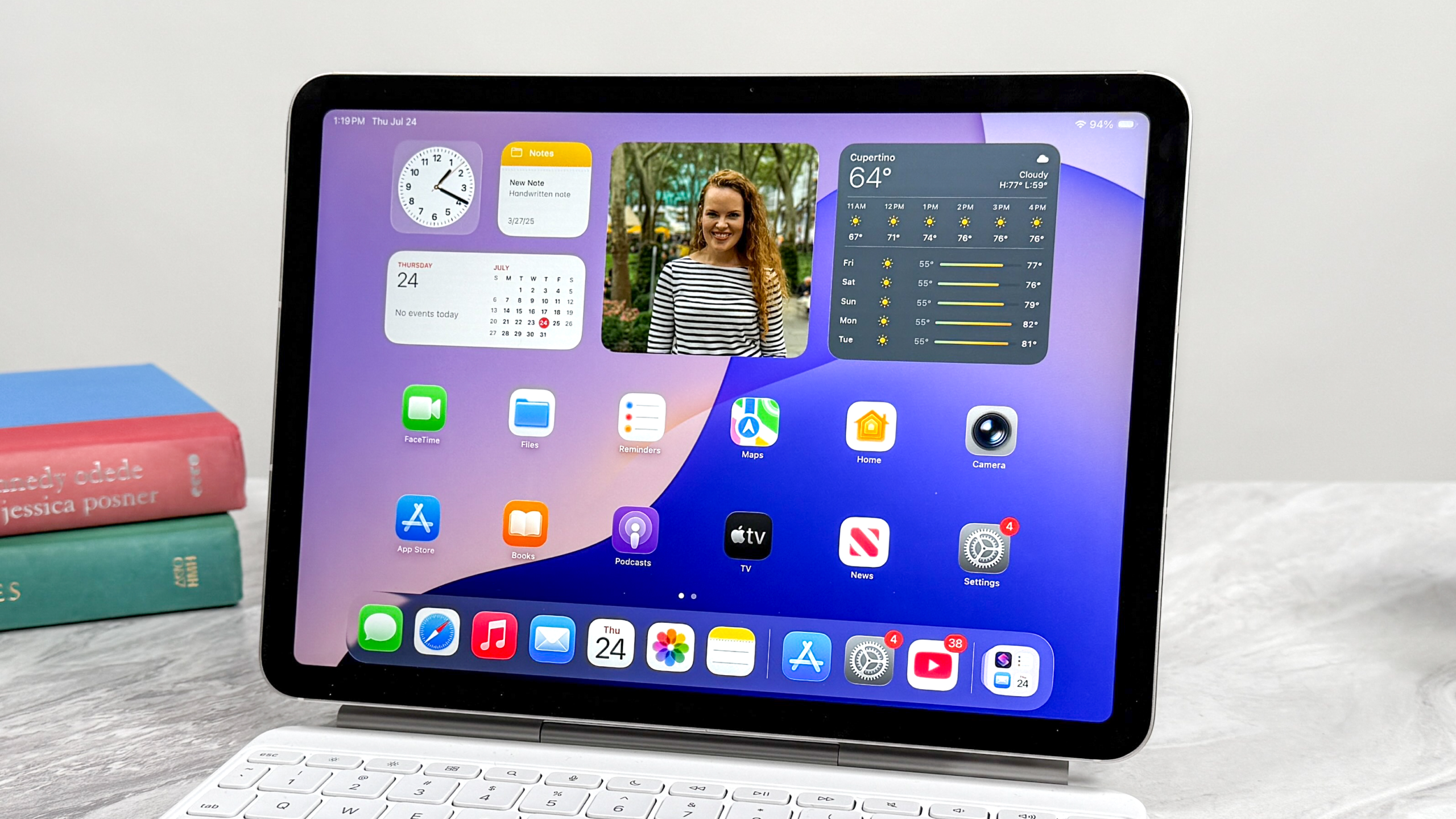
The introduction of more customizable widgets marks another exciting development in iPadOS 26, allowing users to personalize their home screens with ease.
- Dynamic Widgets: These widgets adapt according to time, location, and user activity, providing timely information without requiring manual input.
- Larger Widget Sizes: Users can now opt for larger widgets, enabling a more detailed preview of essential apps and functions, contributing considerably to productivity and aesthetic personalization.
Enhanced Aesthetic Choices
Beyond widgets, the system now includes additional wallpaper options and icon customization features, offering users greater control over their device’s look and feel. This level of customization ensures every user’s iPad reflects their unique personality and usage style.
With iPadOS 26, Apple has clearly demonstrated its commitment to improving the functionality and user experience of the iPad. As the tech giant continues to expand the boundaries of its popular tablet, users are encouraged to explore and maximize these exciting new features to push their creative and productive limits. As these updates roll out more widely, they are poised to redefine the interface and operational dynamics of iPad interactions.
, image: https://www.tomsguide.com/computing/ipads/ipados-26-public-beta-5-features-id-try-first