 Vanda Svobodova
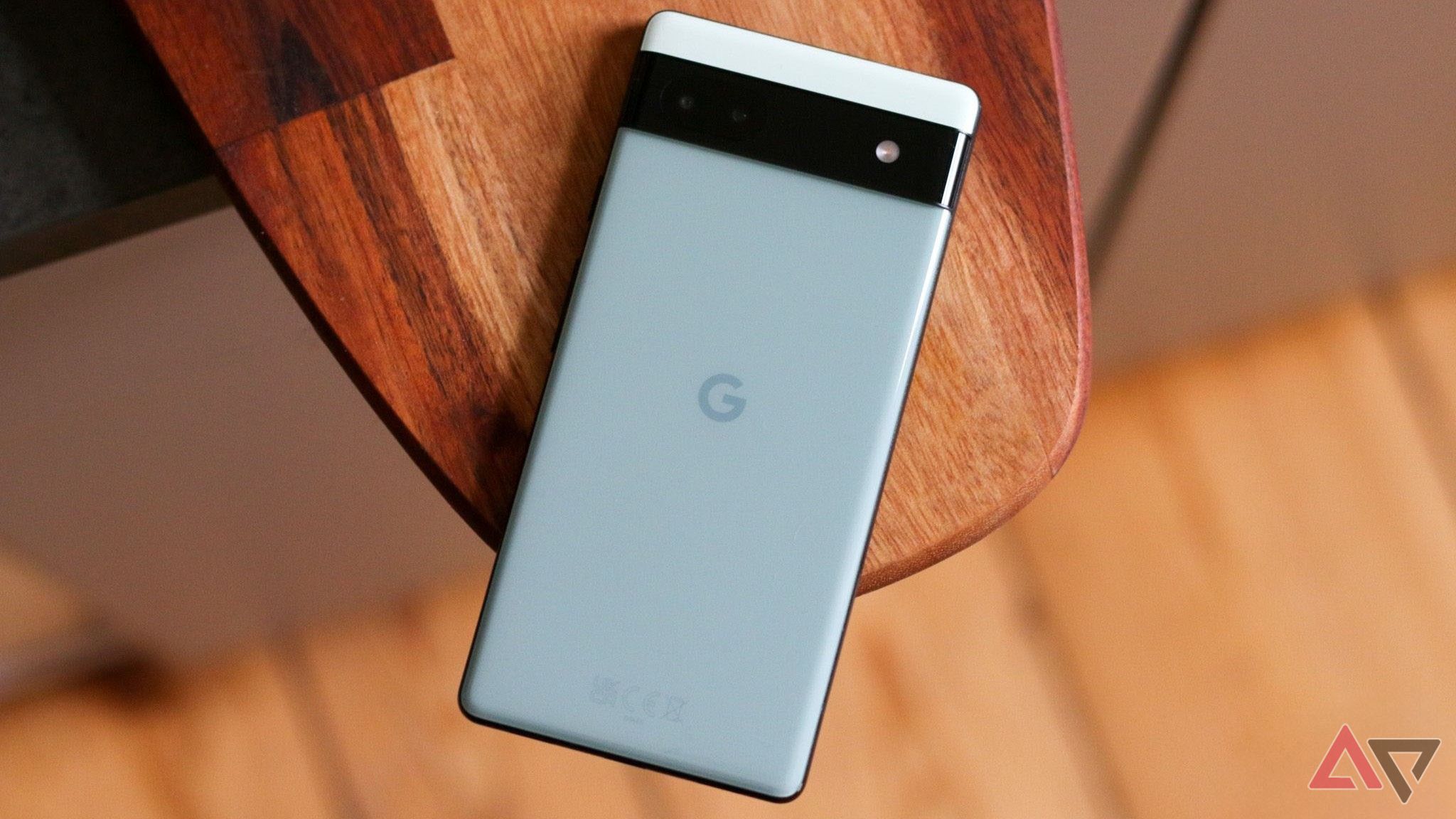
Amid the tech realm’s constant buzz, Google’s Pixel 6a has garnered attention for both its innovative features and some nagging concerns, particularly regarding its battery performance. Enthusiasts and critics alike have noted inconsistencies in how the device manages its power, bringing forth questions about the causes behind these issues and potential solutions that users can embrace for optimal battery longevity.
Factors Impacting Battery Performance in the Pixel 6a
The Pixel 6a’s battery performance issues can be attributed to a combination of software and hardware aspects. On the software side, processes running in the background can significantly drain the battery over time. Apps that continuously update or sync content, coupled with unoptimized system settings, are commonly cited culprits.
Moreover, the Pixel 6a’s hardware, while advanced, faces the challenge of balancing performance and power efficiency. The smartphone’s Google Tensor chip, known for delivering robust processing power, can sometimes exert additional stress on the battery, especially during high-demand activities like gaming or streaming. This ultimately affects overall battery life, frustrating users who rely on their devices for prolonged use.
Steps for Enhancing the Pixel 6a’s Battery Life
Addressing these battery issues requires a blend of strategic software management and practical user habits. By making simple adjustments and adopting some basic practices, Pixel 6a users can optimize their device’s performance and extend battery life significantly.
Optimization Tips
- App Management: Review and reduce the number of applications running in the background. Close or uninstall apps that are not in frequent use, and consider limiting data refresh rates for those that demand constant connectivity.
- Battery Saver Mode: Enable Battery Saver Mode during low-battery periods to decrease power consumption. This built-in feature reduces background activity, diminishes screen brightness, and limits system performance to prolong battery life.
- Regular Software Updates: Ensure your device’s software is up to date. Updates often include patches and improvements that can enhance battery management and efficiency.
Improving Usage Habits
- Screen Brightness Adjustments: Manually adjust your screen brightness to lower levels in brighter environments. Alternatively, leverage the auto-brightness feature to allow your device to adjust settings based on ambient lighting.
- Background Process Limits: Limit the number of apps and services allowed to run in the background. Navigate to your device settings to tame processes that are not crucial to daily operations.
- Connectivity Management: Disable connectivity features like Bluetooth, GPS, or mobile data when not in use. This can conserve battery life significantly by reducing unnecessary power-consuming activities.
Ultra-Mobile Usage: Balancing Features and Battery Consumption
While the Pixel 6a brings high-end features to the mid-range smartphone market, it’s essential to understand that resource-intensive applications and features demand higher energy levels. The key for users is to strike a balance between utilizing these sophisticated features and maintaining reasonable battery consumption.
Effectively managing this balance can lead to a more harmonious experience with the Pixel 6a. By being proactive in battery management and mindful of feature use, users can enjoy the device’s capabilities without the constant search for a power outlet.
In sum, the battery concerns surrounding the Pixel 6a are not without solutions. Through a mix of system optimizations and conscious user practices, the device can serve its users efficiently while minimizing power drain. As technological advancements continue to evolve, these insights offer a path to seamlessly integrating high-demand features with day-to-day use.
, image: https://www.androidpolice.com/pixel-6a-battery-issues-explained/