 Vanda Svobodova
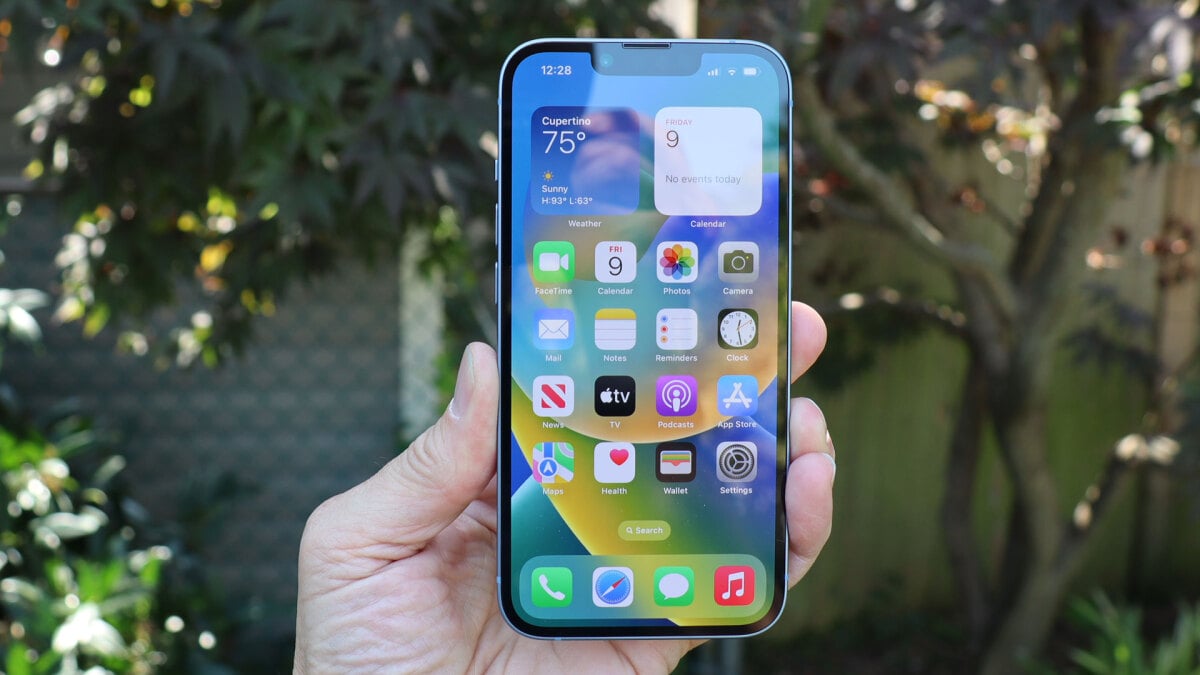
As iPhone users increasingly rely on their devices for everything from communication to entertainment, the issue of storage space has become a common concern. The latest versions of iOS come with advanced features but also bring hidden system data that can unexpectedly consume valuable space. Understanding how to manage this hidden data can help users reclaim precious storage and enhance their iPhone’s performance.
What Is Hidden System Data?
Hidden system data, often referred to as “Other” storage in an iPhone’s settings, encompasses a variety of files that aren’t immediately visible to users. This can include cache files, logs, and temporary files generated by iOS and third-party applications. While these files are crucial for the smooth functioning of apps and the operating system, they can accumulate over time, clogging up storage and impacting device performance.
How to Identify and Manage Hidden Data
To effectively manage hidden system data on your iPhone, it’s important to first identify where this data is concentrated. Here are some practical steps:
- Check Storage Space: Navigate to Settings > General > iPhone Storage to see a breakdown of how your space is being utilized. The “Other” category indicates the space taken by hidden system data.
- Clear Safari Cache: If you use Safari extensively, clearing browser cache can free up significant space. Go to Settings > Safari > Clear History and Website Data.
- Offload Unused Apps: This feature allows you to remove apps that aren’t used frequently, while retaining their data for future use. Enable this by going to Settings > iTunes & App Store > toggle on Offload Unused Apps.
- Review Large Files and Attachments: Within the iPhone Storage menu, check for large files and attachments taking up space, especially in the Messages app.
Why Regular Maintenance Matters
Regularly managing hidden system data not only maximizes your iPhone’s storage capacity but also contributes to its overall health and longevity. Devices burdened with unnecessary data may experience slower response times and decreased battery efficiency. Hence, periodic maintenance is crucial for optimal device performance.
By staying informed about the sources and impacts of hidden system data, users can better safeguard their devices against sluggishness and ensure their iPhone runs smoothly for years to come. With ongoing updates and improvements in Apple’s technology, maintaining a clutter-free storage environment is more critical than ever.
Ultimately, proactive data management can transform both the storage landscape and user experience on the iPhone, making it an indispensable tool rather than a storage-constrained gadget.
, image: https://mashable.com/article/apple-iphone-ios-system-data-storage-space